

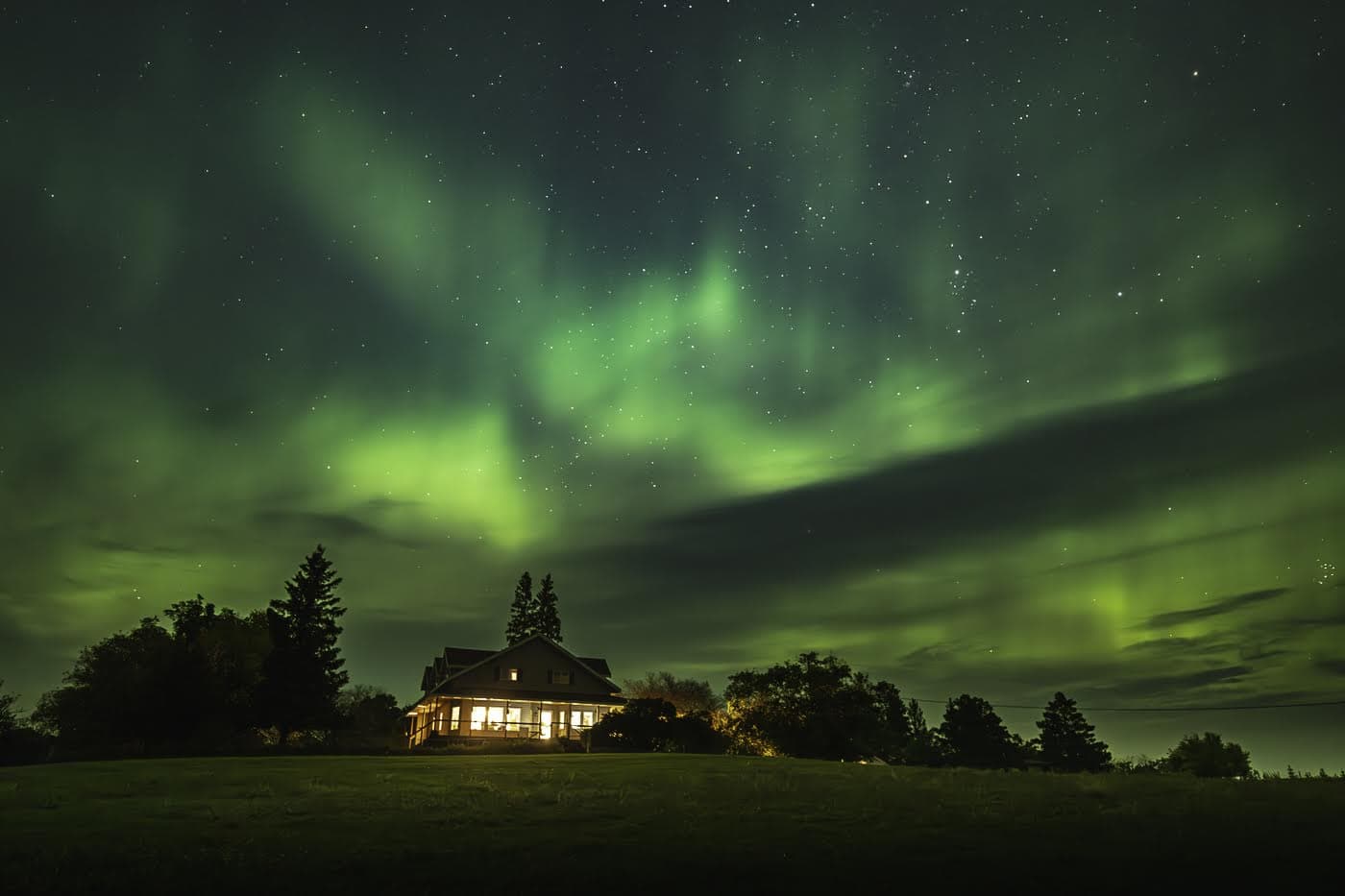

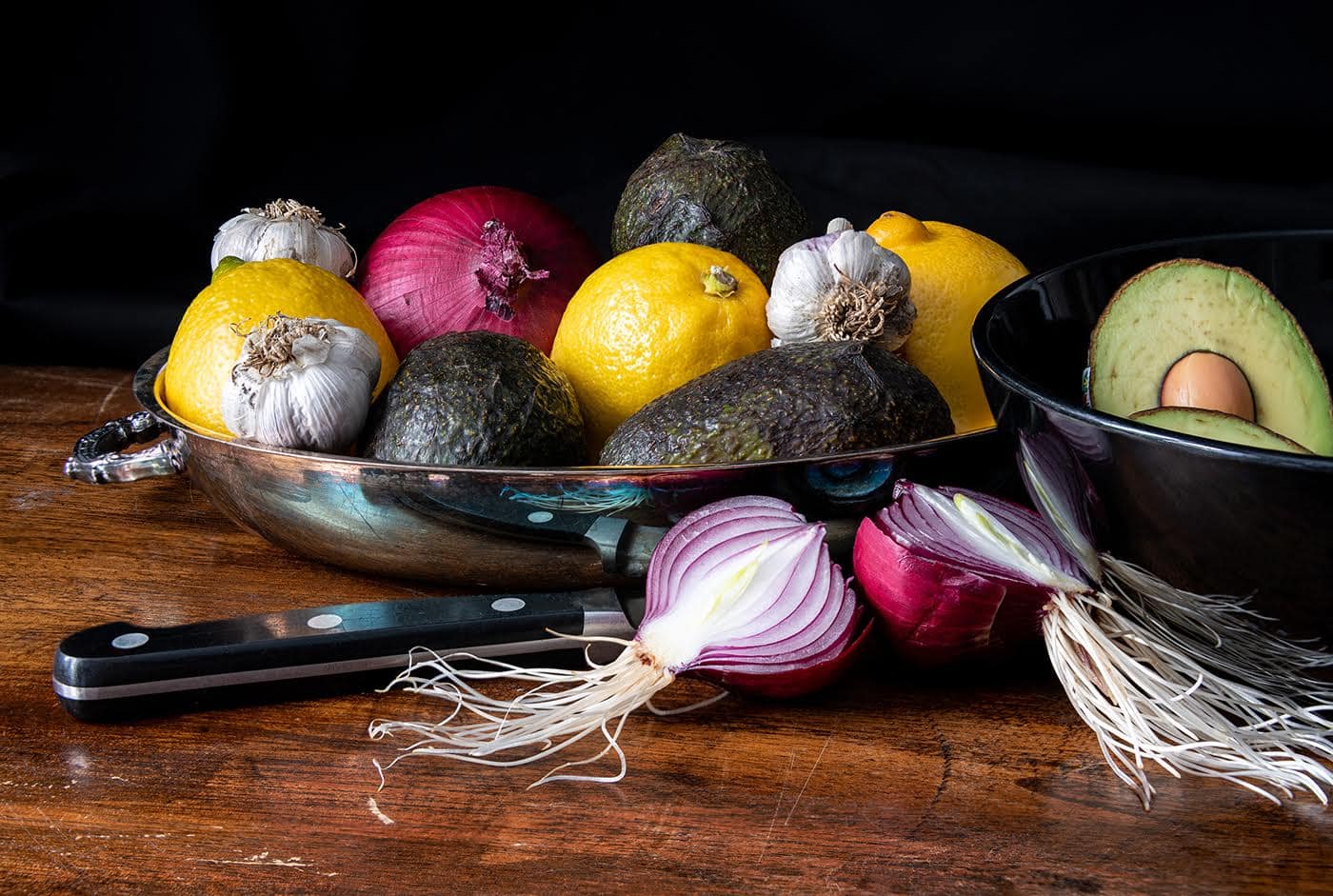


Random Photos from Competition Selections
- WELCOME…
Welcome. The Kamloops Photo Arts Club (KPAC) is an eclectic group of men and women that meet September till June to share their images, exchange photography expertise, to laugh a little and learn from each other.
Programs, workshops and hands-on field trips help aspiring and practiced photographers alike develop a creative, artistic and thoughtful approach to photography. Members whether new to the photography adventure or further down the road, contribute ideas and energy to running the Club. We welcome you to join us and share your images and expertise.
For an introductory meeting or questions send a note to info@kamloopsphotoarts.ca. A quick link to our Membership form is at the right or can be found under the CLUB MEMBERS tab. Most meetings are via Zoom. Workshops and field trips are usually outdoors observing health protocols. We look forward to connecting with you.
View our Calendar View our Past Events
Coming Events
| KPAC SPONSORED EVENTS |
| OTHER SPONSORED EVENTS |
May 7, 2024 – KPAC Executive Meeting
Regular meeting of the KPAC Executive. We encourage KPAC members to join and participate in our executive meetings. All are welcome. This meeting is via Zoom video conferencing.
May 14, 2024 – Photo Evaluation Shared Interest Group
This meeting of the Photo Evaluation Shared Interest Group is open to all KPAC members. Members can join the group at any time. Homework for this meeting is to come … Continue reading May 14, 2024 – Photo Evaluation Shared Interest Group
May 15, 2024 – Deadline for Submission of Images for London Drugs Print Display
There will be no meeting tonight, this is the deadline for image submission for selection for the London Drugs display. This is a collaboration between KPAC and London Drugs to … Continue reading May 15, 2024 – Deadline for Submission of Images for London Drugs Print Display
May 15, 2024 – Annual General Meeting & Special Meeting
These two important meetings will be held in-person at Kamloops United Church Hall at 421 St. Paul Street, Kamloops, BC. The purpose of the AGM is to fulfill statutory requirements … Continue reading May 15, 2024 – Annual General Meeting & Special Meeting
May 21, 2024 – Lightroom/Photoshop Shared Interest Group
For this session, the focus will be on best practices for managing catalogues and catalogue backups. Those members that were unable to attend the last meeting will have an opportunity … Continue reading May 21, 2024 – Lightroom/Photoshop Shared Interest Group
May 22, 2024 – Image Selection Night for London Drugs Print Display
This evening members will select six images that will be printed, framed and displayed at London Drugs in the Photo Department. A slide show of submitted images will be shown … Continue reading May 22, 2024 – Image Selection Night for London Drugs Print Display
May 29, 2024 – Showcase: Nature
A favourite for many of our members who love to get outdoors and enjoy the beauty of our surroundings and all that Mother Nature has to offer. A great opportunity … Continue reading May 29, 2024 – Showcase: Nature
June 5, 2024 – Display of KPAC Members Photos in Print
This is an opportunity for members to display a small selection of their photos in print. Any print style is acceptable such as framed prints, canvas prints, cards, calendars, books, … Continue reading June 5, 2024 – Display of KPAC Members Photos in Print
Recent Past Events
April 27, 2024 – Bird & Waterfowl Photoshoot with Norm Dougan
Norm Dougan is a long term KPAC member who has won numerous CAPA awards for his outstanding wildlife photography. This will be a wonderful opportunity to learn and shoot with … Continue reading April 27, 2024 – Bird & Waterfowl Photoshoot with Norm Dougan
April 24, 2024 – Showcase: People at Work/Play
Just what the title implies, photograph people going about their day to day jobs or recreational activities. This session will be presented via Zoom Video Conferencing. Isobel Lamarche Photo
April 16, 2024 – Lightroom/Photoshop Shared Interest Group
For this session, the focus will be on importing and organizing images in Lightroom. Members can share some of their favourite resources on this topic via email to the group … Continue reading April 16, 2024 – Lightroom/Photoshop Shared Interest Group
April 12, 2024 – BC/Yukon Inter-Club Speaker Series featuring Harold Davis
Harold Davis - Creating Compelling Compositions. Of all the magical elixirs that make up a successful photograph, composition is perhaps the most fundamental, and at the same time the most … Continue reading April 12, 2024 – BC/Yukon Inter-Club Speaker Series featuring Harold Davis
April 9, 2024 – Evaluation/Workshop Shared Interest Group
This meeting of the Evaluation/Workshop Shared Interest Group is open to all KPAC members. Members can join the group at any time. Homework for this meeting is to come prepared … Continue reading April 9, 2024 – Evaluation/Workshop Shared Interest Group